

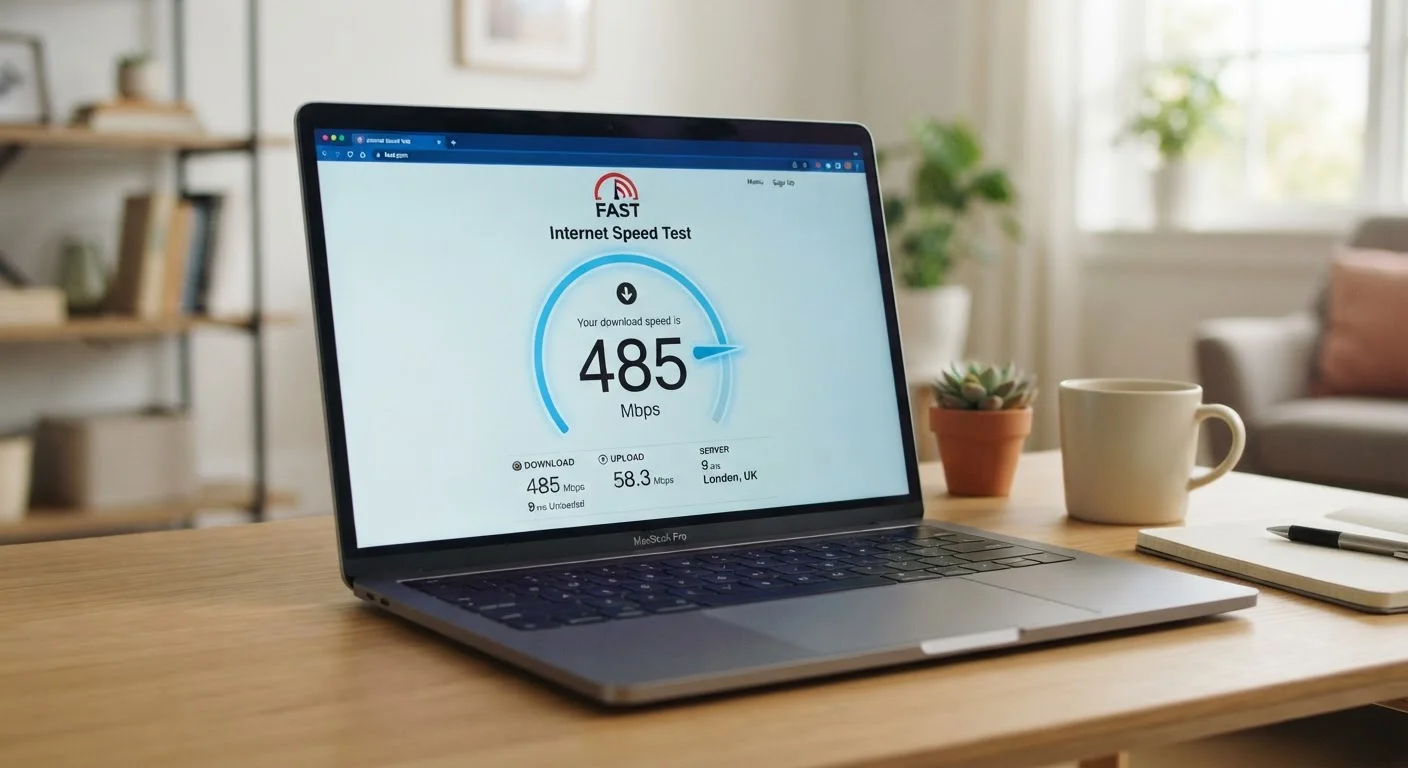
Breaking Down the Numbers: Mbps, Upload, and Download
When you look at an internet plan or run a speed test, you'll usually see two main figures: download speed and upload speed, both expressed in Mbps. Understanding what each one does — and doesn't — tell you is the first step to making sense of your connection.
Download speed is how fast data flows from the internet to your device. This covers streaming video, loading web pages, downloading files, and receiving email attachments. It's the number most people notice first because most online activity is download-heavy.
Upload speed is how quickly data travels from your device out to the internet. This matters when you're on a video call (your camera feed is being uploaded), sharing large files, posting content, or backing up photos to the cloud. Many residential internet plans are asymmetric — meaning upload speeds are significantly lower than download speeds — which is fine for most households but can frustrate people who work from home or create content regularly.
A quick note on units: Mbps measures megabits, not megabytes. Since there are 8 bits in a byte, a 100 Mbps connection transfers roughly 12.5 megabytes of data per second. This is why a large file download can feel slower than the speed number implies.
For more on how the web uses these connections, see what your browser is doing behind the scenes when you visit a website.
25 Mbps
FCC's historic minimum broadband threshold
The FCC has long defined broadband as 25 Mbps download / 3 Mbps upload, though proposals to raise this standard have been under discussion.
5–8 Mbps
Required per HD video stream
Streaming platforms generally recommend 5–8 Mbps per stream for standard HD quality, with 4K requiring significantly more.
~12.5 MB/s
Actual file transfer rate at 100 Mbps
Because there are 8 bits in a byte, 100 Mbps translates to roughly 12.5 megabytes per second of real data throughput.
Latency: The Hidden Factor in How Fast the Internet Feels
Speed numbers alone don't tell the whole story. Latency — sometimes called ping — is the time it takes for a data packet to travel from your device to a server and back. It's measured in milliseconds (ms), and lower is better.
Even if you have a 500 Mbps connection, high latency (say, 200ms or more) will make video calls choppy, online games laggy, and pages feel slow to respond. Latency is especially important for real-time applications where responsiveness matters more than raw throughput.
Typical latency benchmarks to keep in mind:
- Under 20ms: Excellent — nearly imperceptible delay, ideal for gaming and calls
- 20–50ms: Good — suitable for most everyday tasks
- 50–100ms: Acceptable — noticeable in competitive gaming or large video conferences
- Over 100ms: Potentially problematic for real-time applications
Satellite internet connections historically have had high latency due to the physical distance signals must travel, though newer low-earth-orbit satellite technologies have improved this considerably.
Test Your Speed the Right Way
For the most accurate reading, run a speed test while connected directly to your router via an ethernet cable and with no other devices actively using the network. Wi-Fi and competing devices can artificially lower results, making it hard to know if a slow connection is your plan or your setup.
What Speeds You Actually Need — and Why Your Plan Isn't the Whole Story
Internet service providers advertise maximum speeds — but your day-to-day experience depends on several factors beyond the plan itself.
Router quality and placement play a major role. An older router or one tucked in a corner can create significant speed loss over Wi-Fi, even on a fast plan. A wired ethernet connection to your router will almost always deliver speeds closer to your plan's maximum.
Network congestion — both inside your home (multiple devices sharing bandwidth) and outside (your provider's infrastructure during peak hours) — can reduce effective speeds noticeably.
The Federal Communications Commission (FCC) has historically defined broadband as a minimum of 25 Mbps download and 3 Mbps upload, though many experts and advocacy groups argue those thresholds don't reflect modern multi-device household needs. Regulatory definitions continue to evolve.
If you're curious about other tech specs that can be similarly misunderstood, smartphone spec sheets decoded applies a similar plain-language approach to RAM and processors. And for a broader glossary of internet terminology, internet terms explained in plain language covers concepts like DNS, VPNs, and more.
Frequently Asked Questions
For a household with multiple users streaming, video calling, and browsing simultaneously, 100 Mbps download is a reasonable baseline. Heavier users — such as those working from home or gaming regularly — may benefit from 200 Mbps or more. Upload speed requirements are lower for most households, though video conferencing benefits from at least 5–10 Mbps upload.
Mbps stands for megabits per second, a measure of data transfer rate. Note that a bit is different from a byte — there are 8 bits in a byte. So 100 Mbps translates to about 12.5 megabytes per second of actual file transfer capacity.
Latency is the time it takes for a signal to travel from your device to a server and back, measured in milliseconds (ms). Lower latency means faster responses — critical for gaming, video calls, and real-time applications. High latency can make a connection feel sluggish even if the download speed is fast.
Several factors can reduce real-world speeds below your plan's advertised maximum: router age and placement, interference from walls or other devices, the number of devices sharing your connection, and peak-hour network congestion at your provider. Running a speed test via a wired (ethernet) connection gives a more accurate baseline than Wi-Fi.
Standard HD streaming typically requires around 5–8 Mbps per stream. 4K Ultra HD streaming can require 15–25 Mbps per stream, depending on the platform. If multiple people in your home are streaming simultaneously, those requirements stack up.
Not necessarily. Paying for speeds far beyond what your household actually uses offers diminishing returns. A better question is: how many devices and users are active at once, and what are they doing? Matching your plan to your realistic usage is more practical than chasing the highest advertised number.
The content on this site is for informational purposes only and is not a substitute for professional advice. Always consult a qualified professional for guidance specific to your situation.