

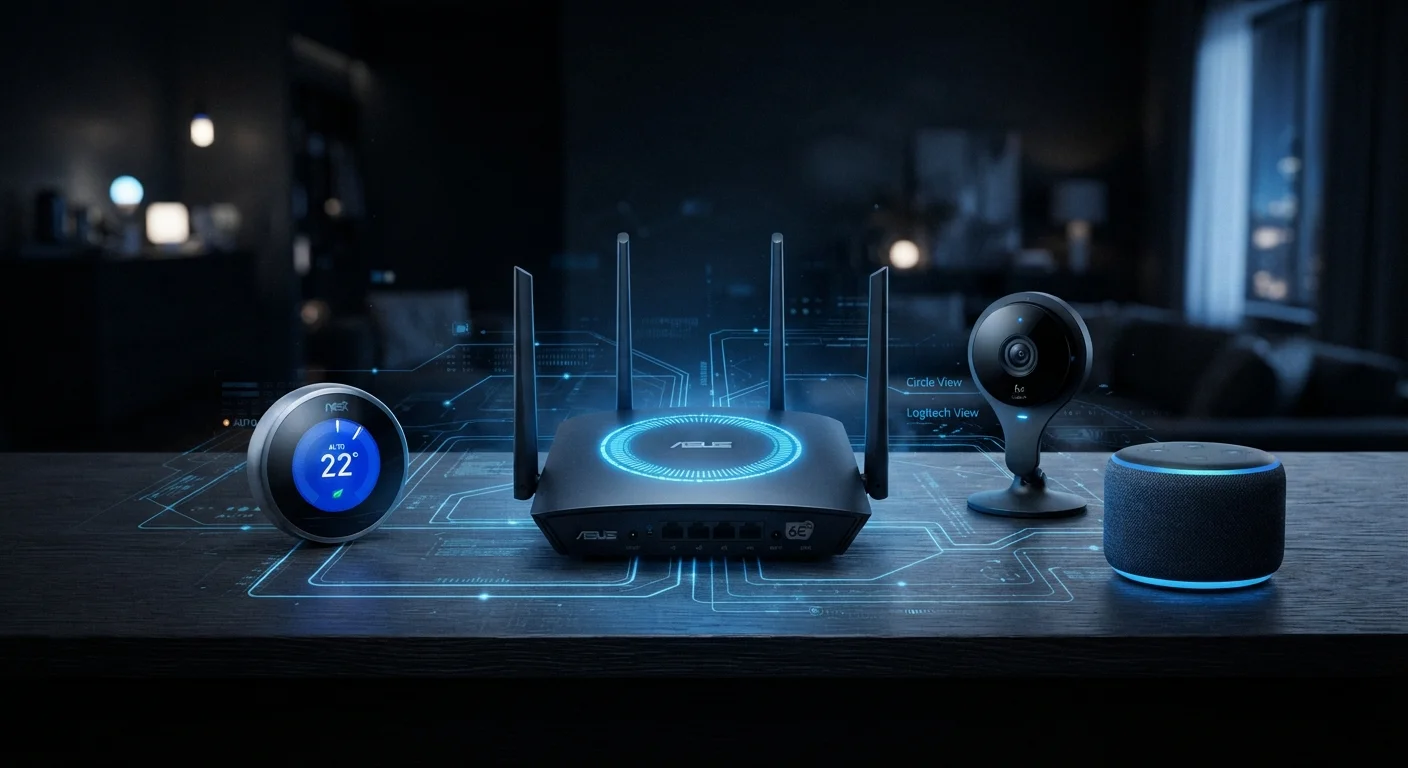
Why Your Smart Home Network Needs Deliberate Security
Every smart device you add to your home — a thermostat, a doorbell camera, a connected light switch — also adds a potential entry point for unauthorized access. Unlike a laptop or phone, most smart home devices run minimal software with limited built-in defenses, and many consumers never change their default settings after setup.
Network-level security is about putting protective structures in place so that one compromised device doesn't give an intruder a path to everything else. If you're just getting started with connected devices, our smart home hub setup guide covers the foundational configuration steps before security hardening becomes relevant.
The good news: meaningful protection doesn't require a technical background. The practices below are practical, durable, and within reach for most households.
Core Network Security Practices
These approaches address the most common and consequential vulnerabilities in typical home networks.
Create a separate network segment for smart home devices.
When IoT (Internet of Things) devices share a network with your computers and phones, a compromised smart bulb or camera could be used as a stepping stone to more sensitive data. Segmentation contains the damage by keeping device categories isolated from each other.
Change default usernames and passwords on every device and your router.
Manufacturers ship devices with default credentials that are publicly documented and widely known. Attackers routinely scan home networks for devices still using these defaults. A unique, strong password on each device closes this obvious entry point.
Enable automatic firmware updates on your router and all smart devices.
Security vulnerabilities in device software are discovered regularly. Manufacturers patch these through firmware updates. Devices running outdated firmware are exposed to known exploits that have already been fixed for anyone willing to update.
Disable features you don't use — especially remote access and UPnP.
Features like UPnP (Universal Plug and Play) automatically open ports in your router's firewall to accommodate device requests, which can inadvertently expose services to the internet. Remote administration, if enabled without strong security, creates an externally reachable control point.
Audit your connected devices list periodically.
Over time, households accumulate devices — some forgotten, some no longer in use, and occasionally some that don't belong. Reviewing what's connected helps you remove old devices and spot anything suspicious.
Quick Actions You Can Take Today
You don't need to overhaul everything at once. Start with these high-impact steps that take minutes, not hours.
For a broader look at overlooked security habits, phone security settings most people ignore is a natural companion read — many of the same principles apply across devices.
Understanding the Bigger Picture
Network security is one layer of a broader smart home safety posture. Your devices also generate and transmit data — understanding what's collected and how it moves is equally important. Our article on what data your smart devices collect explains what typically happens behind the scenes.
Local vs. Cloud Processing Affects Exposure
Some smart home devices process data locally on the device itself, while others route information through manufacturer cloud servers. Devices that rely heavily on the cloud can carry additional privacy and security considerations beyond your home network. Our explainer on local vs. cloud processing covers what this means practically. When evaluating a new device, it's worth understanding where its data goes and what happens if that cloud service changes.
Weak passwords remain one of the most consistently exploited vulnerabilities in home networks. If you want to understand what makes a password dangerous versus strong, our password security explainer breaks it down plainly. Home network hygiene also shares principles with public Wi-Fi risks — both environments reward the same cautious habits.
~50%
Home routers using default or weak credentials
Security researchers have consistently found that a substantial portion of home routers retain default or easily guessable administrator credentials, making them a primary target for network intrusion attempts.
Billions
IoT devices actively connected globally
Industry analysts estimate there are billions of IoT devices in active use worldwide, a scale that makes home network security a meaningful public concern, not just a technical niche.
Security isn't a one-time task. Revisit your router settings and connected device list every few months, especially after adding new hardware. Consistent, low-effort maintenance is more effective than occasional deep dives.
The content on this site is for informational purposes only and is not a substitute for professional advice. Always consult a qualified professional for guidance specific to your situation.