

What Types of Data Smart Home Devices Collect
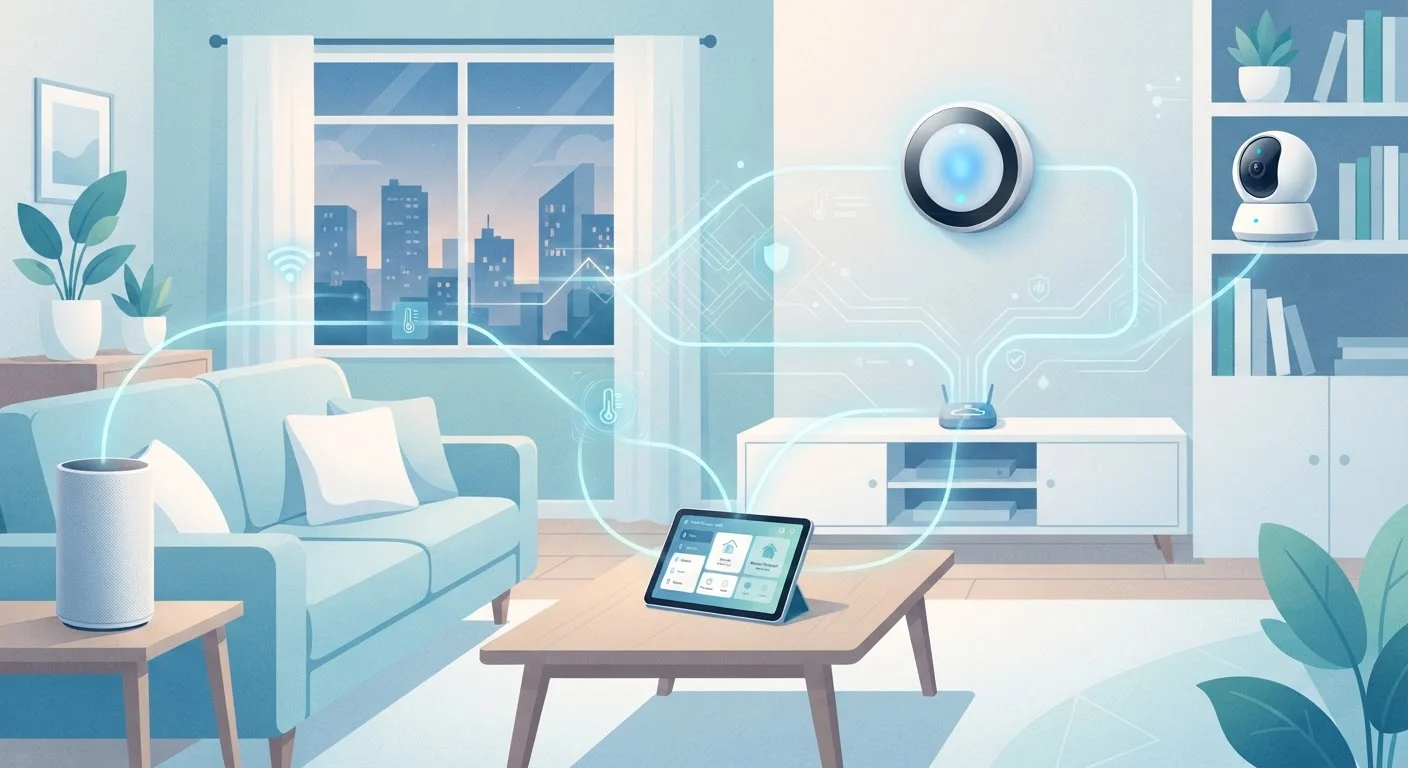
Not all smart devices collect the same information. The type of data gathered is largely determined by what a device does and what sensors it contains. Here's a practical breakdown:
- Voice assistants (smart speakers, displays): Audio clips triggered by wake words, shopping lists, timers, and calendar queries. Some platforms also log which skills or routines you use most frequently.
- Smart thermostats: Temperature preferences, occupancy patterns, and daily schedules — used to optimize heating and cooling automatically.
- Security cameras and video doorbells: Video footage, motion event logs, and — on newer models — facial or object recognition data.
- Smart plugs and switches: When devices are turned on or off, how long they run, and energy usage patterns.
- Smart locks: Entry and exit timestamps, which user codes were used, and sometimes location data from the associated app.
Even devices that seem passive — like a connected light bulb — can log usage patterns that, in aggregate, paint a detailed picture of your household's daily routine. For a practical guide on which devices actually earn a place in your home, see our room-by-room look at home technology.
63%
U.S. adults who own a smart home device
According to Pew Research Center survey data, a substantial majority of American adults live with at least one internet-connected home device.
89%
Consumers concerned about data privacy
A Cisco Consumer Privacy Survey found that the vast majority of respondents expressed concern about how companies use their personal data.
Varies by state
Legal data deletion rights in the U.S.
The right to request deletion of personal data collected by smart home manufacturers depends on state law, with California's CCPA among the strongest protections currently in effect.
Where Your Data Goes After It Leaves the Device
Most smart home devices depend on a connection to the manufacturer's cloud servers to function. When data leaves your home, it typically travels through several stages:
- Manufacturer servers: Raw data is processed and stored here. It may be used to improve voice recognition accuracy, train machine learning models, or deliver personalized features.
- Third-party partners: Privacy policies for most major platforms permit sharing data with affiliated companies, advertising partners, or analytics providers. The scope of this sharing varies widely.
- Law enforcement: In response to a valid legal request, manufacturers may be required to provide stored data — including footage or voice recordings — to government agencies.
The degree of exposure depends significantly on whether a device processes data locally or in the cloud. Local processing keeps more data on the device itself, reducing what gets transmitted. Similarly, understanding how this relates to broader data habits is useful — our piece on your digital footprint offers helpful context.
“Privacy is not an option, and it shouldn't be the price we accept for just getting what we want.”
— Gary Kovacs, Former CEO, Mozilla Foundation; known for public advocacy on digital privacy
Practical Steps to Manage Your Smart Home Privacy
You don't need to unplug everything to make more informed choices. These steps are available on most platforms and don't require technical expertise:
Start With One Device at a Time
Reviewing every smart device at once can feel overwhelming. Pick one — ideally your voice assistant or doorbell camera — and spend 10 minutes in its app exploring the privacy or data settings. Once you're familiar with the process, the same steps usually apply to other devices on the same platform.
- Audit app permissions: Smart home apps frequently request access to location, contacts, or microphone beyond what's needed. Revoking unnecessary permissions limits background data collection. Our guide on app permissions explains what each request actually means.
- Review and delete stored data: Most major platforms — including those for voice assistants and cameras — have a privacy dashboard where you can see and delete stored recordings or logs.
- Disable optional data sharing: Settings like "help improve our products" or "personalized ads" are usually opt-in or opt-out. Turning these off reduces secondary use of your data.
- Use local storage for cameras where possible: Local storage options (SD cards or a network-attached storage device) keep footage in your home rather than on manufacturer servers. See our overview of cloud vs. local storage for a broader look at the trade-offs.
- Secure your home network: A compromised Wi-Fi network can expose data from every connected device. Network-level practices are one of the most effective ways to reduce overall risk.
Privacy Policies Change Over Time
Manufacturers update their privacy policies periodically, sometimes expanding what data is collected or how it may be shared. Most platforms notify users via email or in-app alerts when changes occur. It's worth revisiting the privacy settings on your devices every year or after any significant app update.
Frequently Asked Questions
Smart speakers are designed to listen locally for a wake word only, not to continuously stream audio. However, false activations do occur, and short audio clips following the wake word are typically sent to the manufacturer's servers. Most platforms allow you to review and delete these recordings in their apps.
This depends on each manufacturer's privacy policy. Many companies share data with affiliated business partners or use it for targeted advertising. Reading the privacy policy for each device — or a plain-language summary of it — is the clearest way to understand the terms you've agreed to.
Full prevention is difficult, since data collection is often required for basic device functionality. However, you can limit exposure by turning off optional data-sharing settings, revoking unnecessary app permissions, and choosing devices that offer local processing. Deleting stored data through the manufacturer's privacy dashboard is also an option on most platforms.
It depends on the device and subscription plan. Many cameras offer both cloud storage (where footage is sent to the manufacturer's servers) and local storage (saved to a memory card or home network device). Cloud storage is convenient but means your footage exists on third-party servers.
In the United States, smart home privacy is governed by a patchwork of federal and state laws. California's CCPA gives residents rights to know what data is collected and to request deletion. Other states have passed similar legislation. Federal rules are less comprehensive, so protections vary significantly depending on where you live.
The content on this site is for informational purposes only and is not a substitute for professional advice. Always consult a qualified professional for guidance specific to your situation.