

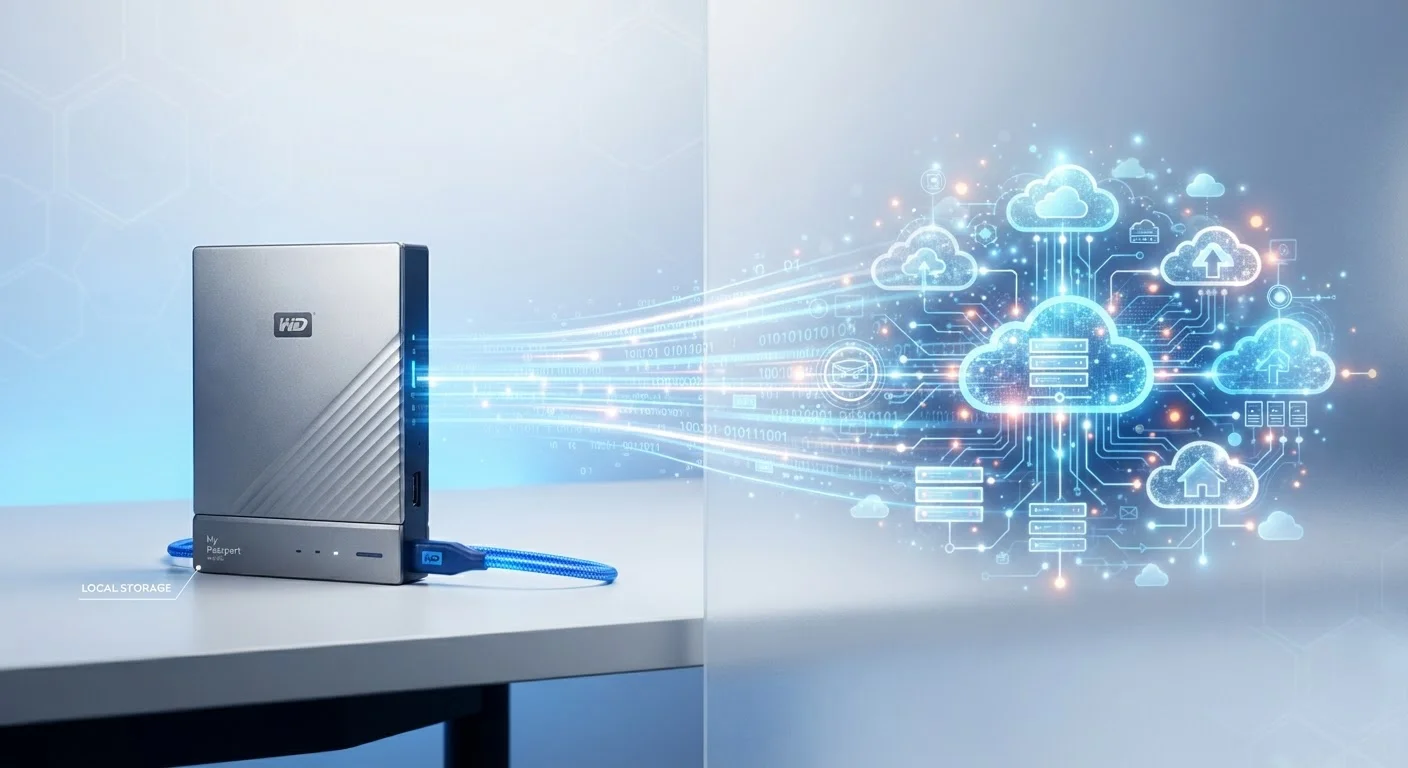
Option A
Cloud Storage
The always-accessible, subscription-based option.
Best for: Users who need files on multiple devices or want automatic off-site backups.
Option B
Local Storage
The private, one-time-cost, offline-first approach.
Best for: Users who prioritize privacy, speed, or want to avoid recurring fees.
What Each Option Actually Means
Local storage refers to any physical medium — your laptop's internal drive, an external hard drive, a USB stick, or a NAS device — where files are saved directly on hardware you own and control. Access is immediate, requires no internet connection, and is limited only by your device's physical location.
Cloud storage means your files are uploaded to remote servers managed by a provider (such as a cloud platform operated by a major tech company) and synced across your devices via the internet. You access them through an app or browser, and the provider handles the hardware on their end.
If you've ever wondered why your phone runs out of room, our guide on what "Storage Full" actually means on your phone explains the mechanics in plain terms.
| Criterion | Cloud Storage | Local Storage |
|---|---|---|
| Accessibility | Any internet-connected device | Physically present device only |
| Internet required | Yes, for access and sync | No |
| Cost model | Recurring subscription | One-time hardware purchase |
| Privacy control | Third-party managed | Fully user-controlled |
| Automatic backup | Yes, typically built-in | Manual or software-configured |
| Access speed | Depends on internet speed | Near-instant, local read speeds |
| Risk of data loss | Low (provider redundancy) | Higher if hardware fails |
Privacy and Security: A Meaningful Distinction
With local storage, your files don't travel across the internet unless you send them yourself. That means a data breach at a tech company won't expose your family photos or sensitive documents. The risk shifts to physical threats: theft, fire, drive failure, or accidental deletion.
Cloud storage introduces a third party into the equation. Reputable providers use strong encryption — both in transit (while uploading) and at rest (while stored) — but you are trusting that company's security practices, terms of service, and government data-request policies. Reading a provider's privacy policy before committing is always worthwhile.
Encryption Doesn't Mean Invisibility
When a cloud provider says your files are encrypted, it typically means unauthorized outsiders cannot read them in transit or at rest. However, the provider itself may still be able to access your files under certain conditions, such as a valid legal request. If you need true end-to-end privacy, look specifically for services that offer zero-knowledge or client-side encryption, where only you hold the decryption key.
For a broader look at how connected devices handle your data, see our article on what data your smart home devices collect and where it goes.
Cost, Reliability, and Everyday Trade-offs
Cost structures differ substantially. A 2TB external hard drive is typically a one-time purchase. Cloud storage at comparable capacity is usually billed monthly or annually, and those fees compound over years. For casual users with modest storage needs, free cloud tiers (commonly 5–15GB) may be sufficient. Power users storing large video libraries often find local hardware more economical over a three-to-five-year horizon.
Reliability is a two-sided coin. Local drives can fail — hard disk drives have moving parts that wear out, and even solid-state drives have finite lifespans. Cloud services offer redundancy across multiple data centers, making total data loss rare, but an internet outage or service disruption means temporary inaccessibility.
3-2-1
Recommended backup rule for data protection
The 3-2-1 rule — three copies, two media types, one off-site — is a widely cited data-protection guideline among IT and cybersecurity professionals.
~140TB
Average lifetime data generated per person
Research firms have estimated that individuals generate vast amounts of personal data over a lifetime, underscoring why storage strategy matters long-term.
Speed matters for large files. Opening a 4K video stored locally is nearly instantaneous; streaming or downloading the same file from the cloud depends on your internet connection speed. For everyday documents and photos, cloud speeds are generally imperceptible.
This same local-vs-cloud trade-off appears in smart home technology too — see our piece on local processing vs. cloud processing in smart home devices for how the distinction plays out beyond file storage.
Building a Strategy That Works for You
Most technology professionals recommend a 3-2-1 backup approach: keep three copies of important files, on two different types of storage media, with one copy stored off-site (which is exactly what cloud backup provides). This hybrid model captures the strengths of both approaches.
A practical setup for many households: store active files locally on your device for speed and offline access, sync important folders to a cloud service for automatic off-site backup, and periodically copy critical files (irreplaceable photos, financial documents) to an external drive kept somewhere safe.
Your choice of device ecosystem can also shape which storage model works most naturally. Our comparison of Android vs. iOS touches on how each platform integrates with different storage and backup systems.
No single answer fits everyone. The right balance depends on how much storage you need, how often you switch devices, how sensitive your files are, and how comfortable you are paying a recurring fee versus investing in hardware upfront.
The content on this site is for informational purposes only and is not a substitute for professional advice. Always consult a qualified professional for guidance specific to your situation.