

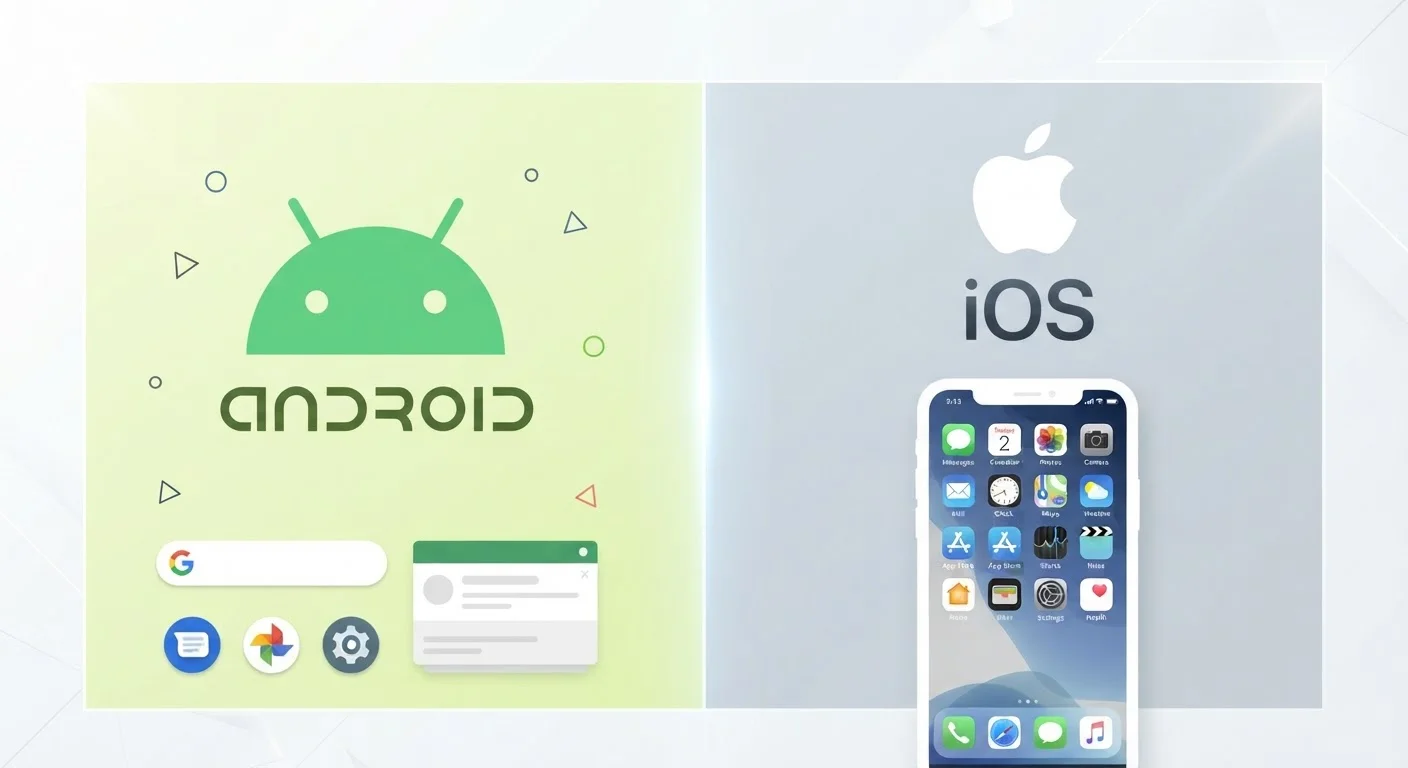
Option A
Android
The open, flexible operating system built for choice.
Best for: Users who want hardware variety, deeper customization, and fewer restrictions on how they manage their device.
Option B
iOS
The tightly integrated system built for simplicity and consistency.
Best for: Users who prioritize a streamlined experience, strong ecosystem integration, and predictable long-term software support.
Two Different Philosophies, Not Just Two Logos
Choosing between Android and iOS is less about picking a brand and more about deciding what kind of relationship you want with your phone. Android, developed by Google, is an open-source platform licensed to dozens of device manufacturers. iOS, developed by Apple, runs exclusively on iPhones. That single structural difference drives most of what distinguishes them in everyday use.
Android's openness means hardware variety: you can choose screen sizes, camera configurations, and price points that iOS simply doesn't offer. iOS's closed ecosystem means Apple controls both the hardware and the software, which allows for tighter optimization and a more consistent experience across devices. Neither approach is wrong — they reflect different values about what a smartphone should be.
If you're weighing broader platform ecosystems beyond phones, our desktop OS comparison covers how those same philosophies play out on computers.
Customization, Control, and App Access
Android gives users significantly more control over how their device behaves. You can set third-party browsers or email clients as your defaults, install apps from outside the official Play Store (a process called sideloading), and access your phone's file system much like a USB drive. Home screen layouts, widgets, and even the launcher — the software that controls your home screen — can all be replaced.
iOS keeps tighter boundaries. Apple's App Store is the only sanctioned source for apps on unmodified iPhones, and while default app options have expanded in recent years, the level of customization remains narrower than Android. What iOS trades in flexibility, it offers in consistency: apps behave more predictably, and the experience is largely the same regardless of which iPhone model you use.
App permissions are worth understanding on either platform before you commit. Our explainer on what app permissions actually mean is a useful read regardless of which OS you choose.
| Criterion | Android | iOS |
|---|---|---|
| Hardware variety | Many manufacturers, many price points | Apple devices only |
| Customization depth | High — launchers, defaults, file access | Moderate — limited by Apple's design choices |
| App sources | Play Store + sideloading allowed | App Store only (on unmodified devices) |
| Software update longevity | Varies by manufacturer (2–7 years) | Typically 5–6+ years |
| Ecosystem integration | Strong with Google services | Strong with Apple devices and services |
| File management | Open file system, USB-accessible | More restricted, managed through apps |
| Default app flexibility | Change most defaults freely | Expanded in recent versions, still limited |
Software Updates and Long-Term Support
One practical difference that affects real-world value is how long each platform supports its devices with software updates. Apple has a strong track record here — iPhones commonly receive major OS updates for five to six years after release, sometimes longer. This matters because updates deliver security patches, new features, and compatibility with current apps.
Android's update picture is more fragmented. Google itself supports its own Pixel devices well, but other manufacturers have historically provided shorter update windows. That gap has been narrowing as major Android manufacturers have extended commitments to multi-year updates, but it still varies considerably by brand and device tier. Before committing to an Android phone, it's worth checking the manufacturer's stated update policy.
For a deeper look at what OS updates actually change and why timelines differ, see our guide on smartphone operating system updates.
~72%
Global smartphone OS market share held by Android
According to StatCounter data, Android consistently holds the majority of global smartphone usage, though iOS dominates in the United States.
5–6+ years
Typical iOS software support window per device
Apple has historically provided major OS updates to iPhones for well beyond the average device replacement cycle.
3.5M+
Apps available across the Google Play Store
Both platforms offer large app libraries; the practical availability of major apps is comparable for most everyday users.
Ecosystem Lock-In and Switching Costs
Whichever platform you choose, you'll accumulate apps, data, and habits tied to it. Switching later isn't impossible, but it does carry real costs. Apps purchased on one platform don't transfer to the other. iCloud storage, iMessage history, and FaceTime integrations are Apple-specific; Google Photos, Google Drive, and certain Android-exclusive features don't have perfect equivalents on iOS.
If you're already embedded in one ecosystem — particularly if you use an Apple Watch, Mac, or iPad — switching to Android introduces friction. The reverse applies too: heavy Google Workspace or Android app users may find iOS less accommodating. This isn't a reason to avoid switching, but it's worth factoring in before you decide.
If a switch is in your future, getting the transfer right from the start makes a significant difference. Our walkthrough on moving everything to a new phone covers how to do it without losing contacts, photos, or app data. And once you're set up, the first things to do with a new smartphone helps you start on solid footing regardless of platform.
Switching Platforms: What You Can and Can't Take With You
Most of your core data — contacts, photos, and calendar entries — can be migrated between Android and iOS using standard tools from Google and Apple. What doesn't transfer cleanly includes paid app purchases, platform-specific services like iMessage, and certain app data stored locally. Building your workflow around cross-platform services like Google Photos or a third-party password manager from the start reduces switching costs considerably.
The content on this site is for informational purposes only and is not a substitute for professional advice. Always consult a qualified professional for guidance specific to your situation.