

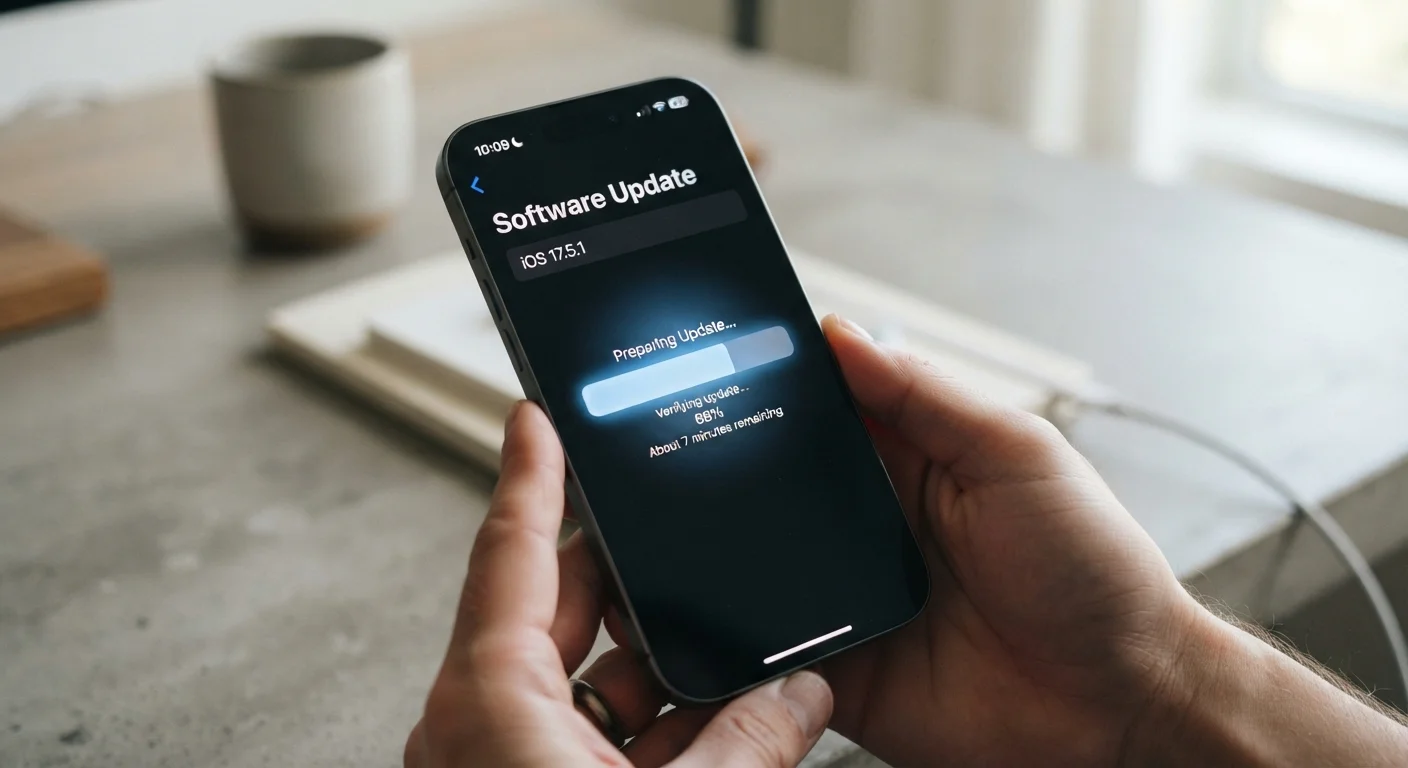
What an OS Update Actually Contains
When your phone prompts you to install an update, that package usually contains several distinct layers of change bundled together. Understanding what each layer does helps you decide how urgently to act — and why dismissing the prompt repeatedly can matter.
A typical OS update may include: security patches that close known vulnerabilities in the operating system or its core components; bug fixes that address crashes, battery drain, or connectivity issues reported since the last release; performance optimizations that improve how efficiently the system uses memory and processing power; and new features such as updated camera tools, interface changes, or fresh accessibility options.
Not every update contains all four. A monthly security patch may arrive as a small download with no visible changes. A major annual OS version — like moving from one numbered Android release to the next, or from one iOS version to the next — tends to be larger and more visible. For a plain-language look at how the underlying hardware interacts with these software layers, see our smartphone specs explainer.
~40%
Android devices running outdated OS versions
Industry analyses have consistently found that a large share of active Android devices run OS versions no longer receiving security updates, due to fragmented update delivery across manufacturers.
Monthly
Frequency of Android security patch releases
Google publishes Android security bulletins on a monthly basis, detailing vulnerabilities patched in each update cycle.
5–7 years
Extended support commitments from some manufacturers
Several major Android manufacturers have announced OS and security update commitments of five to seven years for select device lines, reflecting an industry shift toward longer support windows.
Security Patches vs. Feature Releases: Know the Difference
Most people think of updates as the thing that adds new emoji or changes the look of the settings menu. In practice, the most consequential updates are the ones you barely notice: security patches.
Security patches fix specific, documented vulnerabilities — flaws in code that could allow malicious software to access data, intercept communications, or gain unauthorized control of device functions. Both Google (for Android) and Apple (for iOS) publish regular security bulletins describing what each patch addresses. These patches are time-sensitive because once a vulnerability is publicly disclosed, the window for attackers to exploit unpatched devices opens.
Feature releases, by contrast, are less urgent from a safety standpoint. They're worth installing, but a few days' delay rarely creates meaningful risk. Security patches generally should not be deferred for long. See our article on overlooked phone security settings for related steps that work alongside keeping your OS current.
Check the date of the last security patch installed on your device — not just the OS version number. On Android, this is usually visible under Settings > About Phone > Android Security Patch Level.
Many users assume being on the latest major OS version means they're fully protected, but security patches are released separately and can lag behind even on supported devices if automatic updates aren't configured correctly.
If you're on a public or unfamiliar Wi-Fi network, avoid connecting to sensitive accounts until you've verified your phone's security patch level is current.
Unpatched devices are more vulnerable to interception attacks on open networks, and this combination — outdated software plus untrusted network — represents one of the more common real-world risk scenarios.
Why Manufacturers Eventually Stop Issuing Updates
Every phone has a support lifespan — a defined period during which the manufacturer commits to delivering OS upgrades and security patches. When that period ends, updates stop, even if the device still functions normally.
Several factors drive this limit. Hardware constraints play a role: older processors and memory configurations may not be able to run newer OS versions without unacceptable performance trade-offs. Engineering costs are another factor — maintaining compatibility for aging hardware across a large device catalog requires ongoing investment that manufacturers eventually wind down. Carrier certification requirements also add complexity, particularly in the Android ecosystem where updates often need approval across many device variants.
Support timelines vary significantly. Some manufacturers have historically offered two to three years of OS updates; others have committed to longer windows. Apple has generally maintained longer support cycles for its devices than most Android manufacturers, though the gap has narrowed as some Android makers have extended their commitments. For a broader comparison of how Android and iOS differ structurally, our Android vs. iOS comparison covers this in detail.
Support Timelines Aren't Always Prominently Advertised
Manufacturers are not always upfront about how long a device will receive updates at the point of sale. It's worth researching a specific model's update policy before purchasing rather than assuming support will last for the device's physical lifespan. Look for the manufacturer's official support page or product documentation for stated commitments.
What Happens When Updates Stop
A phone that has reached end-of-support doesn't stop working the day patches end. Apps continue to run, calls connect, and photos still get taken. What changes is the device's security posture over time.
Without patches, known vulnerabilities accumulate. As researchers and security teams discover new flaws in the OS version your phone is stuck on, those flaws remain permanently open. Malicious apps, rogue Wi-Fi networks, and phishing attacks can exploit them. The longer a device runs without support, the wider that gap grows.
There's also a practical software compatibility angle: app developers eventually stop supporting very old OS versions, meaning apps may behave erratically or stop updating altogether. This is different from security risk but can meaningfully affect day-to-day usability. Our guide on why phones slow down over time touches on related performance patterns that often emerge alongside aging software.
End-of-Support Is a Security Threshold, Not Just a Feature Cutoff
Using a phone past its end-of-support date is a risk management decision, not just a missed feature opportunity. Vulnerabilities discovered after support ends will never be patched on that device. For users who handle sensitive information — banking apps, work email, health data — this risk compounds over time and is worth taking seriously when planning a device upgrade.
How to Manage Updates Wisely
The general guidance is straightforward: install security patches promptly and major OS upgrades within a reasonable window after release. Most issues that emerge from early adopters of a major update are resolved quickly, so waiting a week or two after a large release is reasonable. Waiting months is less so.
To check for updates manually: on iOS, go to Settings > General > Software Update. On Android, the path varies by manufacturer but is typically Settings > System > Software Update or similar. Enabling automatic updates handles this in the background, though it's worth confirming the update actually completed — automatic installs sometimes require a manual restart to finalize.
Before installing a major update, ensure your phone is adequately charged (above 50%) and back up your data. Consistent maintenance habits — including keeping software current — are covered in our smartphone maintenance guide.
Back Up Before Any Major Update
Before installing a significant OS upgrade, take a full backup of your phone — either to a cloud service or a computer. Major updates occasionally encounter issues on specific device configurations, and having a recent backup means you can restore your data if something goes wrong. This takes only a few minutes and provides meaningful peace of mind.
Software Support and the Upgrade Decision
Software support timelines are worth factoring into any phone purchase decision. A device that ships with a promise of five or six years of OS and security updates will remain protected — and relevant — considerably longer than one with a two-year commitment.
When evaluating a phone's longevity, look for the manufacturer's stated update policy, not just the launch OS version. A phone released running the latest OS but guaranteed only one more major upgrade is in a very different position than one at the same starting point with four more updates promised.
If you're approaching the point where your current phone is nearing end-of-support, it's worth thinking through the transition carefully. Our guide on transferring data to a new phone walks through how to move contacts, photos, and apps without losing anything — and our new smartphone setup guide covers the first steps once you do make the switch.
“Security is not a product, but a process. Keeping software updated is one of the few high-impact, low-effort actions users can take to meaningfully reduce their exposure.”
— Bruce Schneier, Security technologist and author on cybersecurity
The content on this site is for informational purposes only and is not a substitute for professional advice. Always consult a qualified professional for guidance specific to your situation.