

Option A
Smart Speaker
The voice-first, always-listening audio hub.
Best for: Households that want hands-free control, music playback, and quick voice queries without a screen.
Option B
Smart Display
The screen-equipped, visual-first command center.
Best for: Households that want video calls, visual recipes, camera feeds, and on-screen smart home dashboards.
What Each Device Actually Is
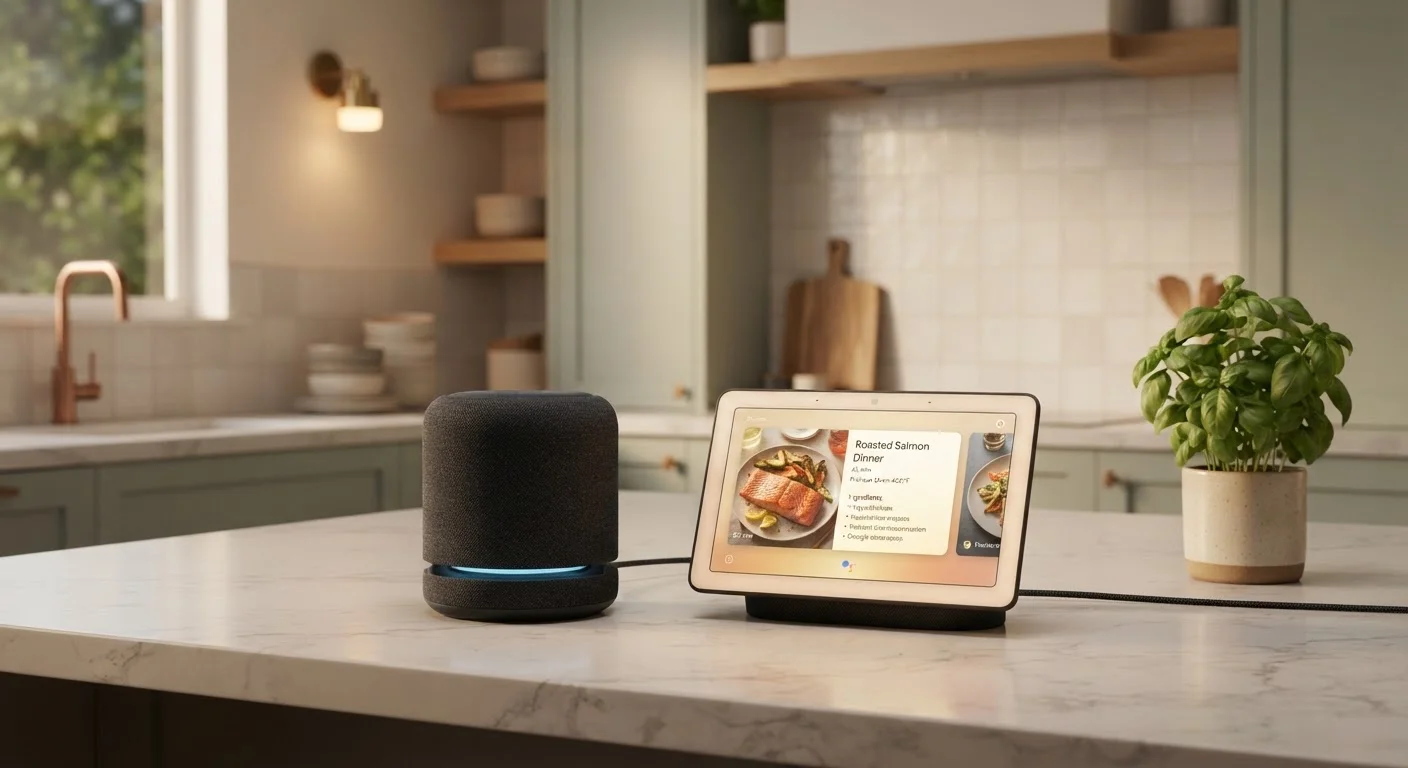
Smart speakers are compact, screenless devices that respond to voice commands. They stream audio, answer questions, set timers, control compatible smart home devices, and relay information back to you entirely through sound. Popular examples follow a cylindrical or puck-shaped form factor that fits almost anywhere.
Smart displays add a touchscreen — typically ranging from roughly 5 to 15 inches — along with a front-facing camera on most models. Everything a smart speaker does, a smart display can also do. The screen adds video calling, on-screen step-by-step guidance, visual dashboards for smart home controls, and the ability to show camera feeds from doorbells or security devices. To understand what sits beneath these devices — the broader concept of a connected home — see our explainer on what 'smart home' actually means.
Both formats rely on a cloud-connected voice assistant (such as Alexa or Google Assistant) and work with compatible smart home ecosystems. The key difference is simply whether your household benefits from having a screen present.
Head-to-Head: Key Differences at a Glance
The table below contrasts both formats across the criteria that matter most for everyday use. Neither is universally superior — the right fit depends on where the device lives and how your household uses it.
| Criterion | Smart Speaker | Smart Display |
|---|---|---|
| Screen | None | Touchscreen (varies in size) |
| Camera | Not present | Front-facing camera (most models) |
| Video calling | Audio only | Full video calls supported |
| Recipe guidance | Voice read-aloud only | Step-by-step on screen |
| Camera feed viewing | Not supported | Supported (doorbell, security cameras) |
| Footprint / size | Compact, fits anywhere | Larger; needs counter or shelf space |
| Typical price range | Lower | Higher |
| Privacy surface area | Microphone only | Microphone + camera |
| Bedroom suitability | High (no screen glare) | Lower (screen light disrupts sleep) |
| Smart home control | Voice commands only | Voice + touchscreen dashboard |
Where Each Format Works Best — Room by Room
Kitchen: Smart displays tend to shine here. A screen lets you follow a recipe step by step without touching anything with floury hands, video-call a family member while cooking, or glance at a shopping list. Speakers can read recipes aloud, but switching steps by voice alone becomes frustrating quickly.
Bedroom: A smart speaker is usually sufficient. Alarms, sleep sounds, weather briefings, and voice-controlled lighting work entirely through audio. A glowing screen can actually disrupt sleep, making speakers the more practical choice for most bedside tables.
Living room: Either can work, but if you have a smart TV and a separate streaming setup, a smart display may duplicate features you already own. A compact speaker often adds more without overlap.
Home office: Smart displays earn their place here — video calls and on-screen calendar views add genuine utility. For a deeper look at which connected devices actually deliver room-by-room value, see our room-by-room home technology guide.
35%
U.S. adults who own a smart speaker
According to Pew Research Center survey data, roughly one-third of U.S. adults reported owning a smart speaker as of a recent wave of their technology adoption research.
~5–15 in
Typical smart display screen size range
Screen sizes across commonly available smart displays span this range, with larger screens generally enabling more comfortable video calling and camera viewing.
Privacy: What Changes When You Add a Screen and Camera
Both smart speakers and smart displays are always listening for a wake word, which means microphone data is a shared consideration for both. Smart displays with built-in cameras introduce an additional surface: visual data collection. Most displays include a physical camera shutter or a hardware mute switch — using these when the device isn't actively needed is a straightforward way to limit exposure.
It's worth understanding what each device collects, how long voice recordings are retained, and what settings you can adjust in the companion app. Our guide on smart home privacy and data collection walks through this in detail. Neither format is inherently insecure, but being an informed user matters with any always-on device.
Physical Camera Controls Matter
Most smart displays include a hardware switch or sliding shutter that physically disconnects the camera — separate from any software setting. When privacy is a concern, a physical control is more reliable than a software toggle alone. Check whether your specific device offers this feature before purchasing. Microphone mute buttons are standard on most smart speakers and displays.
Making Your Decision — and What Comes Next
The most useful question isn't which format is technically superior — it's how your household actually interacts with technology. If you primarily use voice for quick tasks (timers, music, reminders), a speaker is efficient and unobtrusive. If your household gravitates toward screens for everything from recipes to video calls, a display earns its counter space.
Budget also plays a role. Smart displays generally carry a higher price than comparable smart speakers, and larger screens push costs higher still. If you're working within a budget, our guide on building a smart home on a budget can help you prioritize. Once you've chosen a format, the next practical step is setting up your device as an effective hub — our walkthrough on setting up a smart home hub from scratch covers placement, configuration, and connecting other devices.
The content on this site is for informational purposes only and is not a substitute for professional advice. Always consult a qualified professional for guidance specific to your situation.