

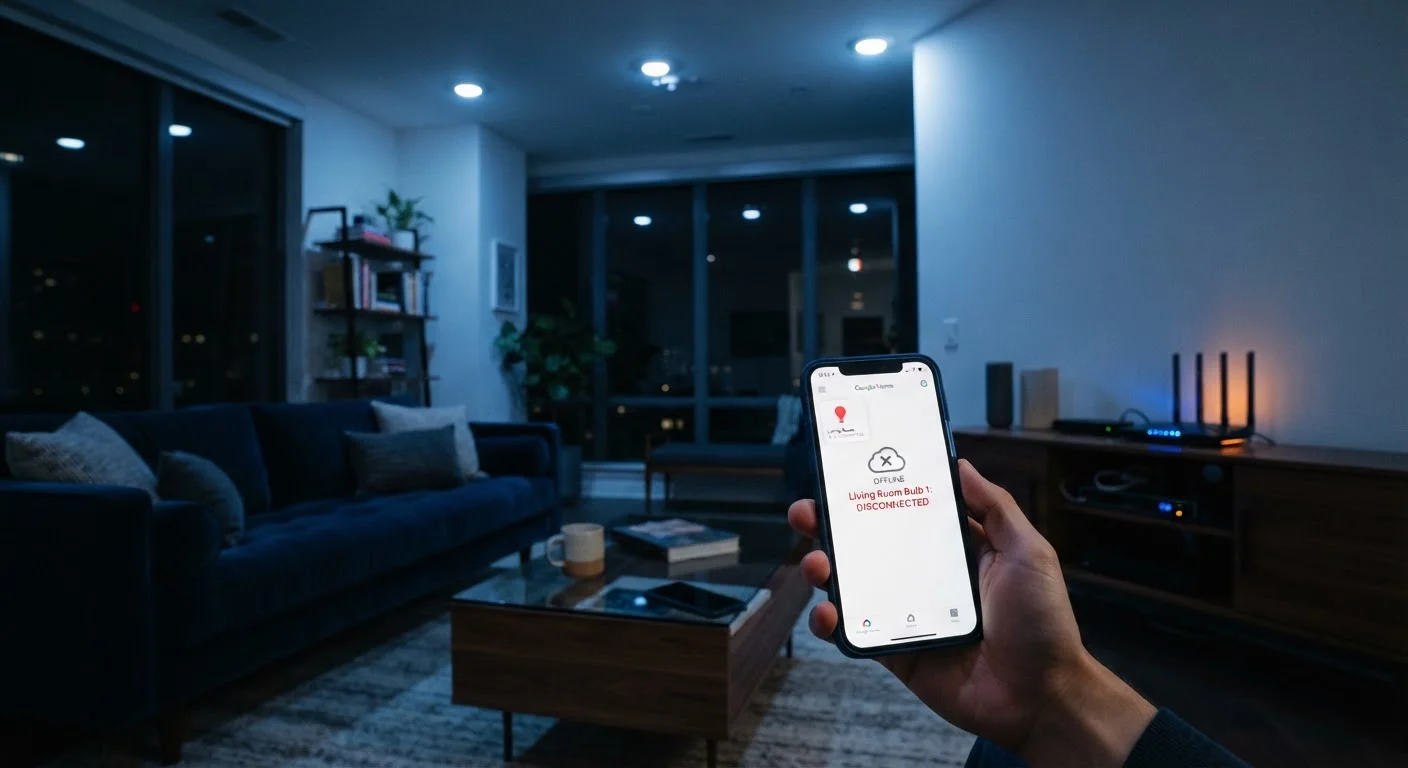
Why Smart Bulbs Disconnect More Than You'd Expect
Smart bulbs promise seamless, voice-controlled lighting — but the technology depends on a stable chain of communication between your bulb, your home network, and a cloud or hub platform. Any weak link in that chain produces the same frustrating symptom: a bulb that shows offline, ignores commands, or reconnects unpredictably.
The good news is that most disconnections share a small set of root causes, and the majority are fixable without buying new hardware. Understanding exactly what goes wrong — and why — is the first step toward a reliable smart home setup. For broader network security considerations once your bulbs are stable, see our guide to securing your smart home network.
Using a physical wall switch to turn smart bulbs on and off.
Why it happens: It feels natural to use the existing switch — that's how light switches have always worked. Most people don't initially realize that cutting power at the switch removes the bulb from the network entirely.
Placing the router too far from the bulbs, resulting in a weak or intermittent Wi-Fi signal.
Why it happens: Routers are often positioned for convenience — near cable entry points or entertainment centers — without accounting for the full spread of smart devices throughout the home.
Connecting smart bulbs to a 5 GHz Wi-Fi band instead of 2.4 GHz.
Why it happens: Many modern routers broadcast both bands under the same network name, and devices connect to whichever band the router assigns. Consumers rarely investigate which band a bulb has joined.
Neglecting firmware updates for both the smart bulbs and the companion app.
Why it happens: Updates feel optional, and the notification is easy to dismiss. Many users are unaware that smart bulbs receive over-the-air firmware at all.
Overloading the router with too many connected devices on the same band.
Why it happens: Smart home adoption tends to be gradual — a few bulbs today, a thermostat next month — and the cumulative load on the router goes unnoticed until devices start dropping off.
Network and Environment Factors That Amplify the Problem
Even after correcting the mistakes above, your environment plays a significant role in connection stability. Thick concrete or brick walls, large metal appliances, and neighboring Wi-Fi networks all degrade signal quality. The 2.4 GHz band travels farther and penetrates walls better than 5 GHz, which is why most smart bulbs are designed for 2.4 GHz — forcing them onto a 5 GHz-only network is a common source of ongoing failures.
2.4 GHz
Preferred band for most smart bulbs
The vast majority of smart bulb manufacturers specify 2.4 GHz Wi-Fi as the required band, citing its superior range and wall-penetration compared to 5 GHz.
~30 ft
Typical Wi-Fi signal drop through interior walls
Industry guidance from router manufacturers notes that each standard interior wall can reduce effective Wi-Fi range by roughly 25–50%, depending on wall material.
Router placement matters more than most people realize. A router tucked inside a media cabinet or closet loses significant range before the signal even reaches your fixtures. If bulbs in a specific room drop out repeatedly, a Wi-Fi extender or mesh satellite node placed within line of sight can dramatically improve reliability. Before adding more smart devices, it's worth reviewing our compatibility checklist to ensure new gadgets will work within your existing setup without adding new points of failure.
It's also worth noting that wireless connectivity, by nature, involves trade-offs that a wired connection avoids entirely. Our overview of wired versus wireless smart home devices covers situations where a wired approach may be worth considering for reliability-critical fixtures.
Don't Reset Bulbs as a First Response
Factory-resetting a smart bulb wipes its network credentials and often removes it from your smart home platform, requiring a full re-pairing process. Reserve a reset for situations where all other troubleshooting steps have failed. Resetting repeatedly without addressing the root cause — usually signal strength or band assignment — will result in the same dropout behavior returning within days.
The content on this site is for informational purposes only and is not a substitute for professional advice. Always consult a qualified professional for guidance specific to your situation.