

Our Verdict
For users who primarily use their tablet at home, in the office, or in places with reliable Wi-Fi, the Wi-Fi-only model is the more economical and practical choice. Cellular connectivity adds genuine value only when you regularly need independent internet access in places where Wi-Fi isn't available or trustworthy — and you're willing to pay for a dedicated data plan.
| Best for | Recommended |
|---|---|
| Home, office, or consistent Wi-Fi users | Wi-Fi-Only Tablet |
| Frequent travelers and commuters who need reliable independent connectivity | Cellular Tablet |
| Users who already pay for a smartphone with a generous data plan | Wi-Fi-Only Tablet with Hotspot Tethering |
What's Actually Different Between the Two
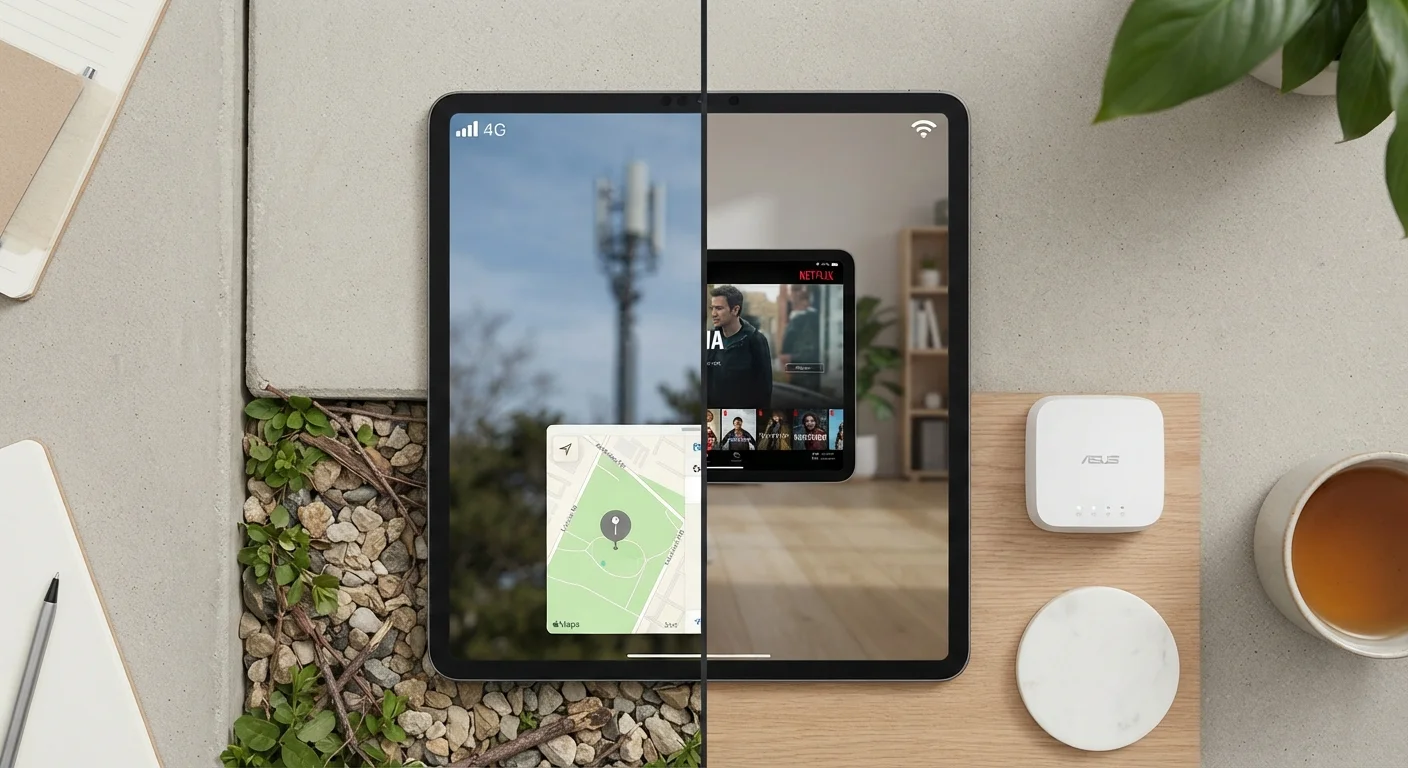
A Wi-Fi-only tablet connects to the internet the same way a laptop does — through a wireless router. A cellular tablet includes a built-in LTE or 5G modem and a SIM card slot, allowing it to pull data directly from a mobile carrier's network, just like a smartphone.
That hardware difference translates into two downstream effects: price and flexibility. Cellular models typically carry a premium of $100–$150 over their Wi-Fi counterparts, and using the cellular radio requires an active data plan — usually billed monthly through a carrier. Wi-Fi-only models carry no such ongoing cost beyond the purchase price.
To understand how these connection types actually work at a technical level, this breakdown of mobile data, Wi-Fi, and hotspot tethering is worth reading before you decide.
The Case for Wi-Fi-Only
The majority of tablet use happens in predictable, stationary locations — a couch, a desk, a kitchen counter. In these environments, a home or office Wi-Fi network is almost always available, making cellular connectivity redundant.
Wi-Fi-only tablets also benefit from longer battery life in practice, since the cellular radio is one of the more power-hungry components in any mobile device. Without it, the hardware runs leaner.
For users who already carry a smartphone, tethering — turning the phone into a personal hotspot — can bridge the gap when Wi-Fi isn't available. This approach doesn't require purchasing an additional data plan, though it does draw on your existing phone plan's data allowance and can drain your phone's battery more quickly.
Maximize Hotspot Tethering Effectively
If you choose a Wi-Fi-only tablet and plan to tether from your phone, confirm your carrier plan explicitly supports hotspot use — some plans restrict it or charge extra. Keep a portable battery pack handy, as tethering can reduce your phone's battery life significantly during extended use sessions.
It's also worth considering that public Wi-Fi networks, while convenient, carry security risks. Public Wi-Fi carries real risks that are worth understanding before you rely on café or airport networks as a substitute for cellular data.
The Case for Cellular
Cellular connectivity becomes genuinely valuable under specific conditions: frequent travel, long commutes on trains or buses, work in the field, or any scenario where you need reliable, independent internet access without hunting for a hotspot or draining a phone battery.
A cellular tablet also functions as a standalone device. If your phone dies, loses signal, or isn't with you, a cellular tablet can still connect. For people who use their tablet as a primary work device away from a fixed office, that independence matters.
There's also a subtle security benefit: a dedicated cellular connection avoids the risks associated with unknown public networks. As noted above, relying on open Wi-Fi introduces vulnerabilities that a direct carrier connection sidesteps entirely.
| Wi-Fi-Only Tablet | Cellular Tablet | |
|---|---|---|
| Upfront Cost | Lower (no modem hardware) | Higher (~$100–$150 premium) |
| Monthly Cost | None beyond purchase | Carrier data plan required |
| Connectivity Independence | Depends on available Wi-Fi or phone hotspot | Works anywhere with carrier signal |
| Battery Life | Generally longer (no cellular radio) | Slightly shorter when cellular active |
| Best Use Environment | Home, office, fixed locations | Travel, commutes, fieldwork |
| Security on the Go | Relies on potentially risky public Wi-Fi | Direct carrier connection, more controlled |
For a broader look at what tablets can and can't do compared to phones and laptops, this honest assessment of tablet tradeoffs provides useful context alongside the connectivity question.
How to Make the Call
The most useful exercise is an honest audit of where you actually use — or intend to use — your tablet. Ask yourself:
- Do I use my tablet primarily at home or in a fixed location with reliable Wi-Fi?
- How often am I in a situation where Wi-Fi isn't available and I need internet access on my tablet?
- Am I comfortable using my phone as a hotspot, and does my current data plan support it?
- Would I consistently pay for a separate tablet data plan, or would it go unused most months?
If your answers skew toward predictable Wi-Fi environments and occasional mobile use, a Wi-Fi-only model is almost certainly sufficient. If you regularly work or travel in environments without reliable Wi-Fi and need your tablet to function independently, the cellular premium is likely worth it.
It's also worth considering the operating system before you commit to a form factor. Android and iOS differ in meaningful ways that can affect how well a tablet fits into your existing device ecosystem — and which carriers support which models.
This article is for informational purposes only. Carrier plans, pricing, and device availability vary and change over time. Verify current offerings directly with carriers before making a purchase decision.
The content on this site is for informational purposes only and is not a substitute for professional advice. Always consult a qualified professional for guidance specific to your situation.