

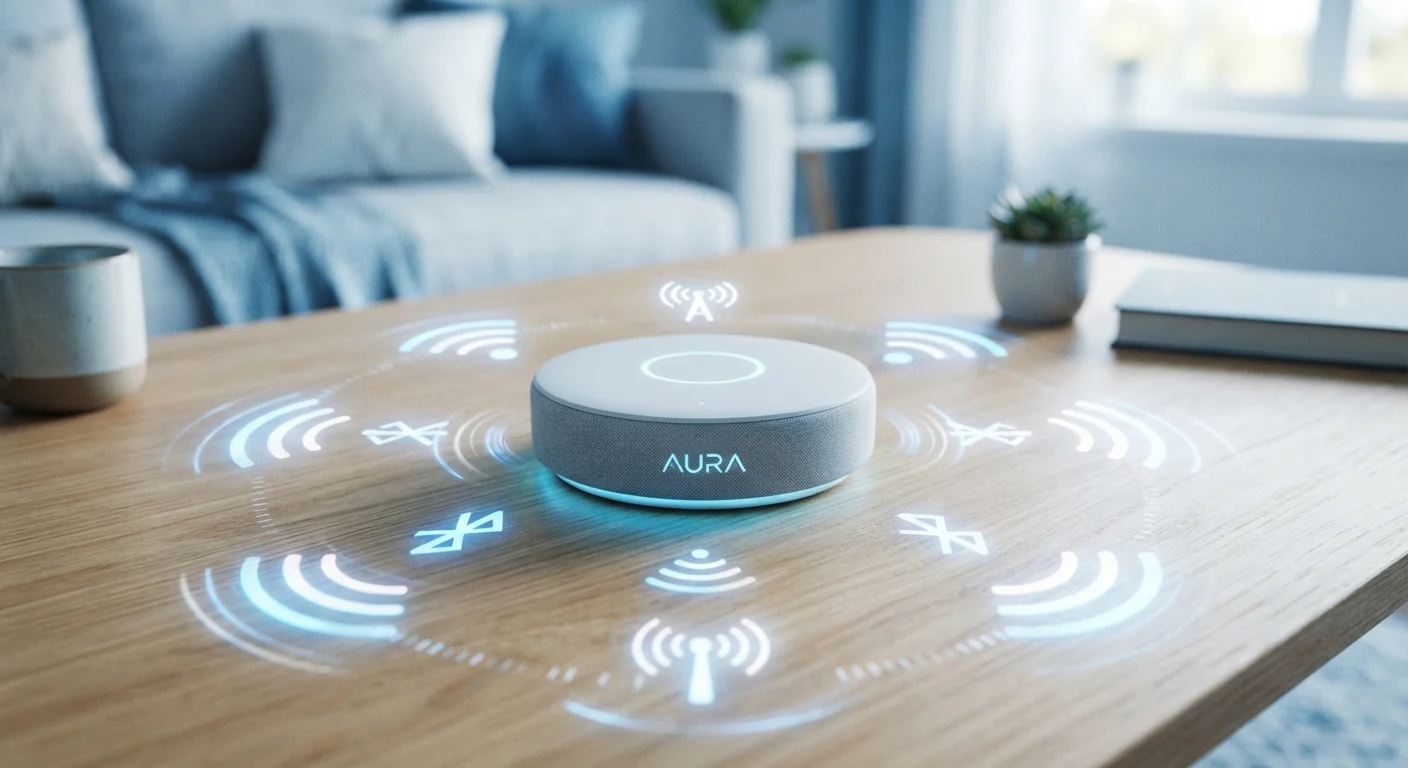
Why Wireless Protocols Matter in a Smart Home
Every smart device in your home — a light bulb, thermostat, door lock, or sensor — needs a way to communicate. The method it uses is determined by its wireless protocol, which affects range, battery life, network congestion, and how easily devices from different brands work together.
There is no single universal standard, which is why a bulb from one brand may not pair with a hub from another. Understanding the four dominant protocols — Wi-Fi, Zigbee, Z-Wave, and Thread — helps you make sense of device packaging claims and avoid compatibility headaches. See also our compatibility checklist for practical pre-purchase guidance.
| Wi-Fi frequency bands | 2.4 GHz and 5 GHz |
| Zigbee operating frequency | 2.4 GHz globally |
| Z-Wave operating frequency (US) | 908.42 MHz |
| Thread network type | IPv6 mesh |
| Typical Wi-Fi smart device range | Up to ~150 ft indoors |
| Typical Z-Wave device limit per network | Up to 232 devices |
Wi-Fi: Familiar but Power-Hungry
Wi-Fi is the protocol most consumers already understand. Smart devices that use it connect directly to your home router — no separate hub required. That simplicity is its biggest appeal.
The trade-offs are real, however. Wi-Fi devices consume more power than alternatives, which shortens battery life on sensors and locks. They also add load to your router; a home with dozens of Wi-Fi smart devices may experience network congestion or slower internet speeds. Wi-Fi works best for devices that are plugged in and high-bandwidth: video doorbells, smart displays, and streaming speakers are natural fits. For context on where Wi-Fi devices make the most sense room by room, see our practical home tech guide.
Zigbee and Z-Wave: Low-Power Mesh Networks
Zigbee and Z-Wave take a different approach. Both create mesh networks where each device can relay signals to nearby devices, extending coverage without adding routers. They use far less power than Wi-Fi, making them well suited for battery-operated sensors, door locks, and motion detectors.
Zigbee operates on the 2.4 GHz band — the same frequency used by Wi-Fi routers and Bluetooth devices. This shared spectrum can cause occasional interference, though manufacturers take steps to mitigate it. Zigbee supports a large number of devices per network and has broad manufacturer adoption, but interoperability between brands isn't always guaranteed despite the shared standard.
Z-Wave operates on a sub-gigahertz frequency (908 MHz in the US), which is less congested than 2.4 GHz and passes more reliably through walls. Z-Wave devices are certified to meet strict interoperability requirements, meaning products from different Z-Wave manufacturers generally communicate reliably. Both Zigbee and Z-Wave typically require a hub to connect to the internet and to your smartphone.
Mesh network
A network where multiple devices relay signals to one another rather than all connecting to a single central router. This approach extends coverage and eliminates dead zones.
Hub
A dedicated device that coordinates communication between smart home gadgets on protocols like Zigbee or Z-Wave and your home's internet router.
Protocol
A standardized set of rules that governs how devices communicate wirelessly — including how they find each other, share data, and maintain connections.
Interoperability
The ability of devices from different manufacturers to communicate and work together without requiring the same app or proprietary system.
Thread
A low-power, IPv6-based mesh networking protocol designed for smart home devices, developed by the Thread Group and supported by Matter.
Matter
An industry-wide smart home standard backed by major tech companies that allows devices on different protocols to communicate through a common language.
Thread: Built for What's Next
Thread is the newest of the four protocols and differs meaningfully from its peers. It creates a low-power IPv6 mesh network — meaning every Thread device gets its own internet-style address, which eliminates the need for a proprietary hub. Thread networks are self-healing: if one device goes offline, traffic reroutes through other nodes automatically.
Thread's practical impact is growing because it's a foundational layer of the Matter standard, which major tech platforms now support. A Matter-certified Thread device, in principle, works across ecosystems that previously wouldn't communicate. Thread works best for low-power devices like sensors, switches, and locks — similar to Zigbee and Z-Wave — but with better built-in future-proofing.
Matter Is Changing the Landscape
Matter is an emerging smart home standard that allows devices using Thread, Wi-Fi, and Ethernet to communicate through a shared protocol. It's backed by major platform providers and is designed to reduce the fragmentation that has frustrated consumers for years. When shopping for new devices, looking for Matter certification can help future-proof your setup — though adoption is still ongoing and not all older devices will receive updates.
Because connected devices introduce security considerations regardless of protocol, it's worth reviewing smart home network security practices as your setup grows. And if you're weighing wireless options against wired installations, this comparison of wired vs. wireless trade-offs covers what most guides skip.
Choosing the Right Protocol for Your Setup
There's rarely one correct answer, and many households run two or three protocols simultaneously. A practical approach:
- Wi-Fi — ideal for powered, high-bandwidth devices like cameras and smart speakers.
- Zigbee — a solid choice for battery-powered sensors and bulbs if you already own a compatible hub.
- Z-Wave — strong interoperability and wall-penetrating range make it a reliable option for locks and whole-home coverage.
- Thread/Matter — worth prioritizing for new purchases if long-term compatibility across platforms matters to you.
Before adding any new device, check which protocol it uses and whether your existing hub or router supports it. The packaging or product specifications page will typically list the protocol clearly. Buying the wrong protocol for your ecosystem is one of the most common — and easily avoidable — smart home mistakes.
The content on this site is for informational purposes only and is not a substitute for professional advice. Always consult a qualified professional for guidance specific to your situation.